Multisig Wallet and Treasury
Dashboard for Web2 Teams
Challenge
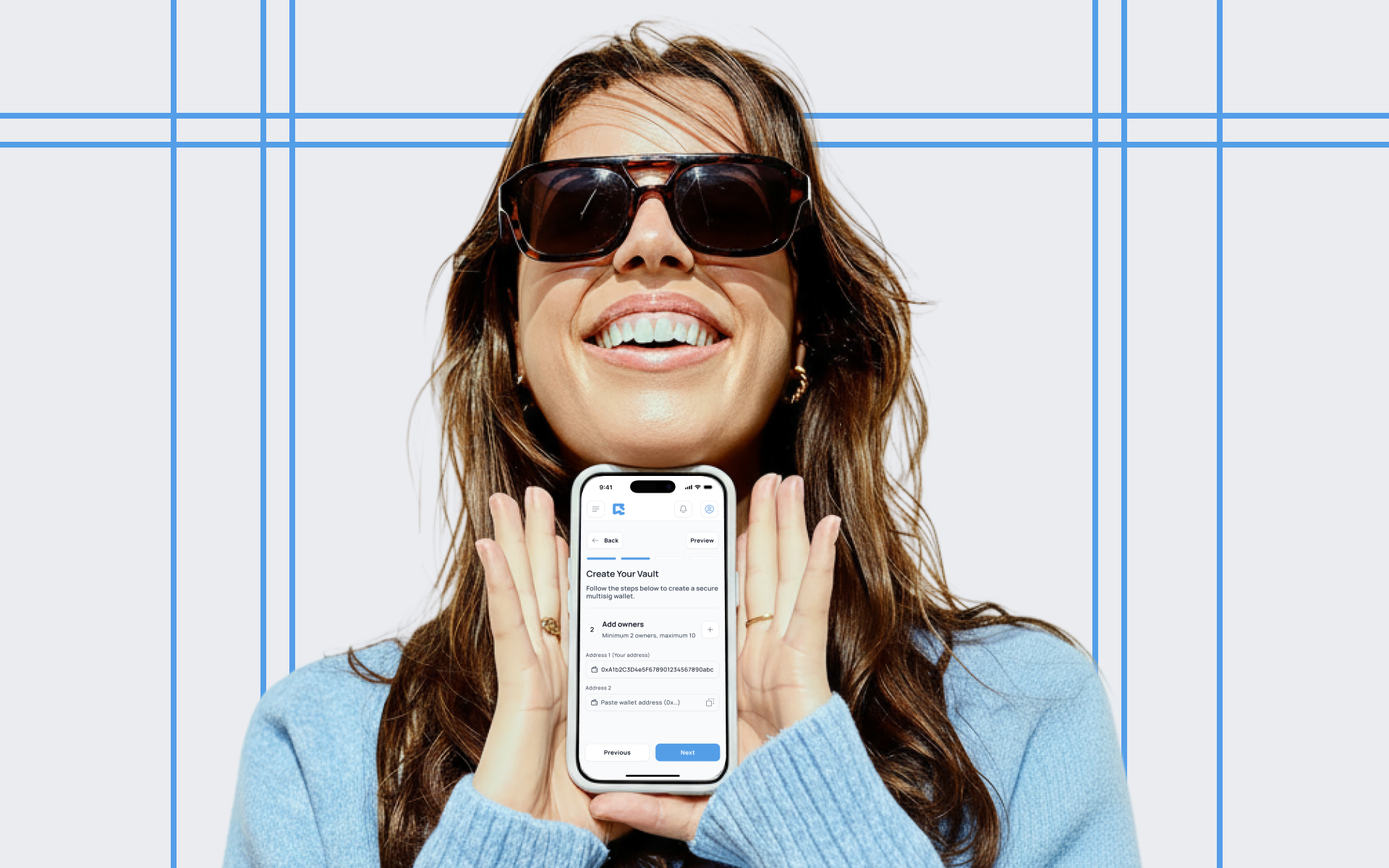
Design a secure crypto wallet and multisig treasury system that feels intuitive for Web2 users and small teams with no prior blockchain experience. The interface needed to abstract away technical complexity while maintaining transparency, trust, and control over funds and transactions.
Approach
The UI was built using modular components that supported both personal wallets and shared multisig treasuries, with clearly defined roles and actions. I applied progressive disclosure principles and embedded contextual tips to help guide non-technical users through blockchain-specific actions without overwhelming them. Throughout the process, I worked closely with developers to ensure the UI accurately reflected the logic and state of underlying smart contracts, especially during multi-party signing and approval flows.
Outcome
The final product was a responsive web platform that enabled individuals and teams to securely manage wallets and shared treasuries with ease.
I designed the Dashboard, table that consist such information as musician artist name, song title, location, city and genre. Main action follow the artist.
Home screen: Introductory Banner, Getting Started Steps, Feature Overview Cards
Treasuries Page
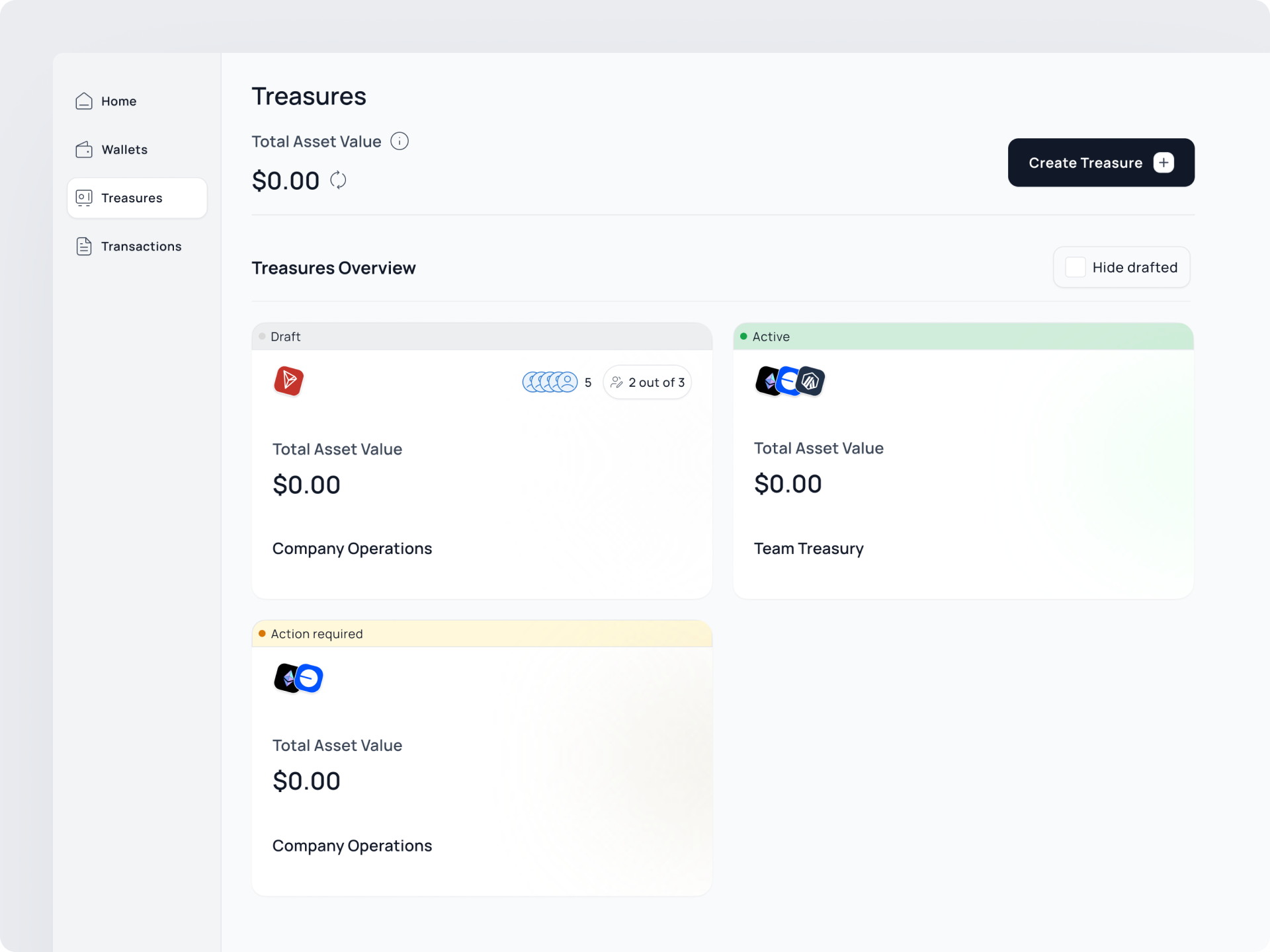
The Treasuries page is designed to help users easily manage and access all their shared multisignature wallets.
Home screen: Introductory Banner, Getting Started Steps, Feature Overview Cards
Treasuries Card
To reduce complexity and support multi-chain logic, all treasuries are grouped by blockchain network and clearly labeled by their status (e.g., active, pending setup, awaiting signatures).
Home screen: Introductory Banner, Getting Started Steps, Feature Overview Cards
Settings
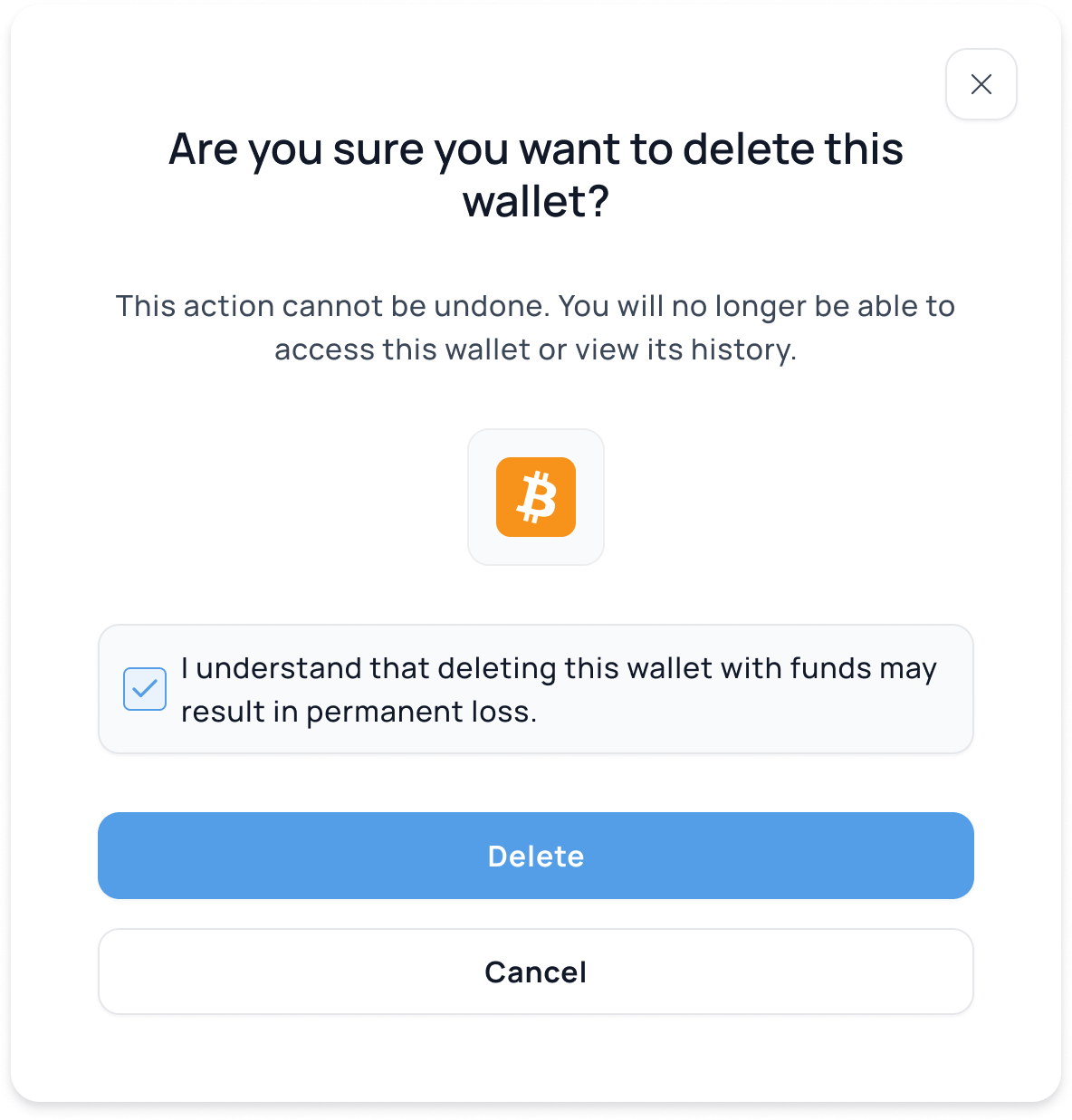
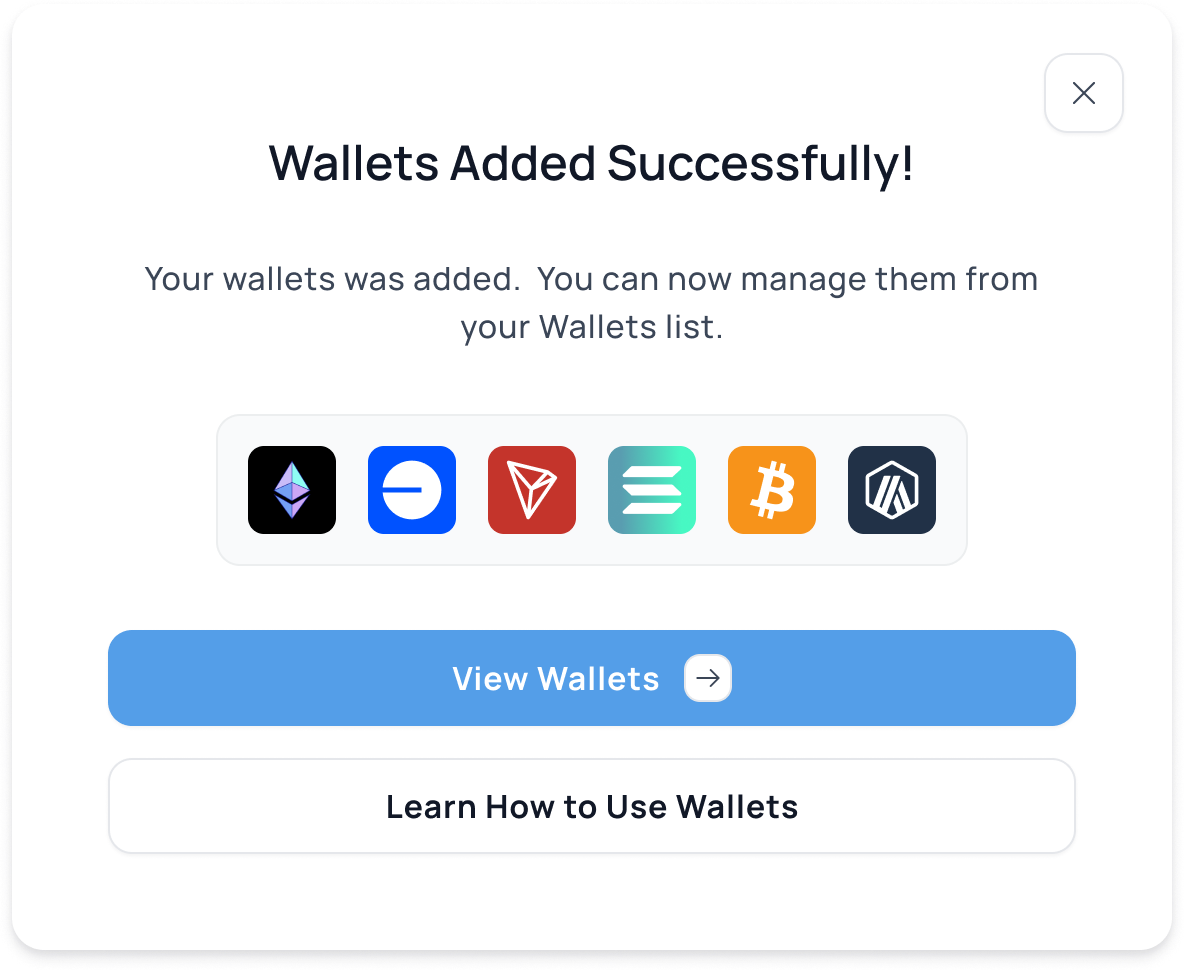
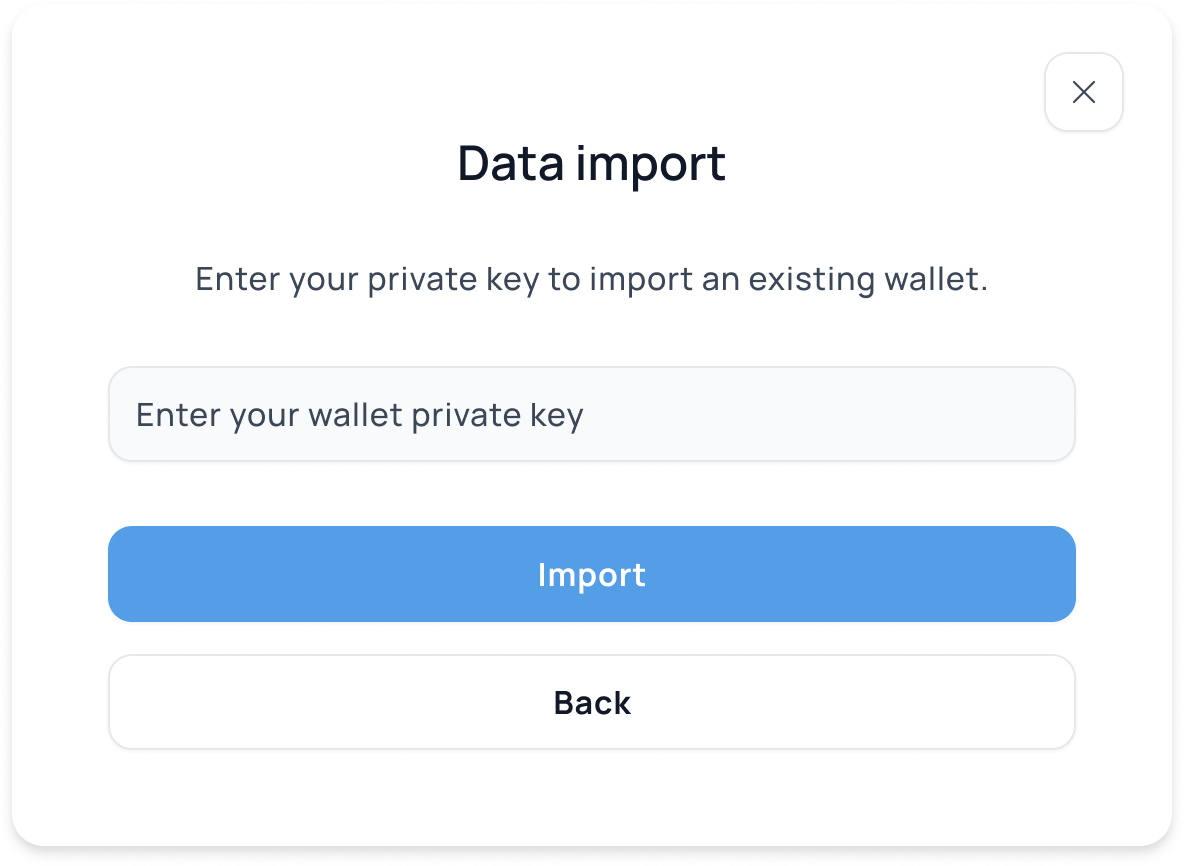
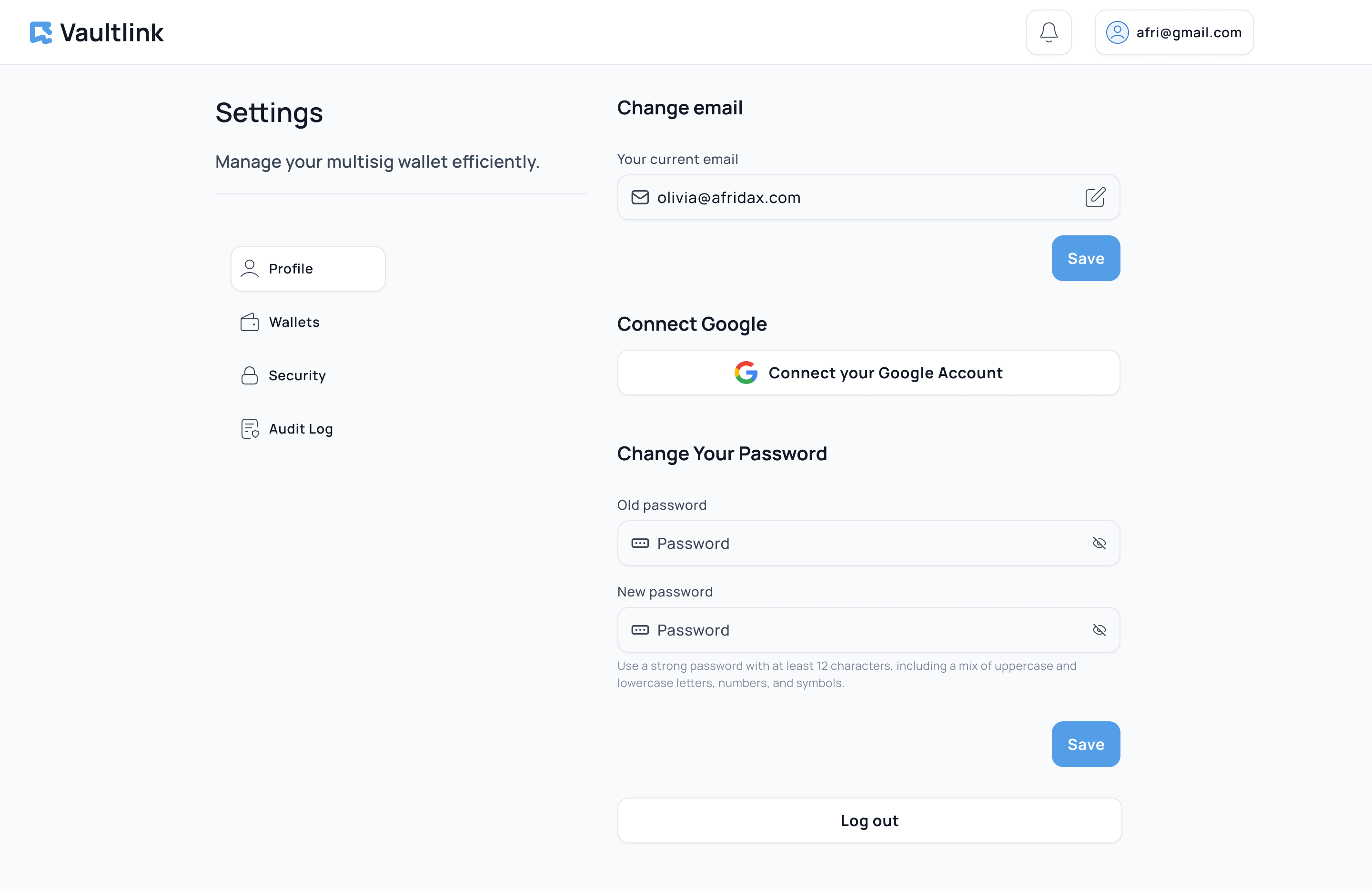
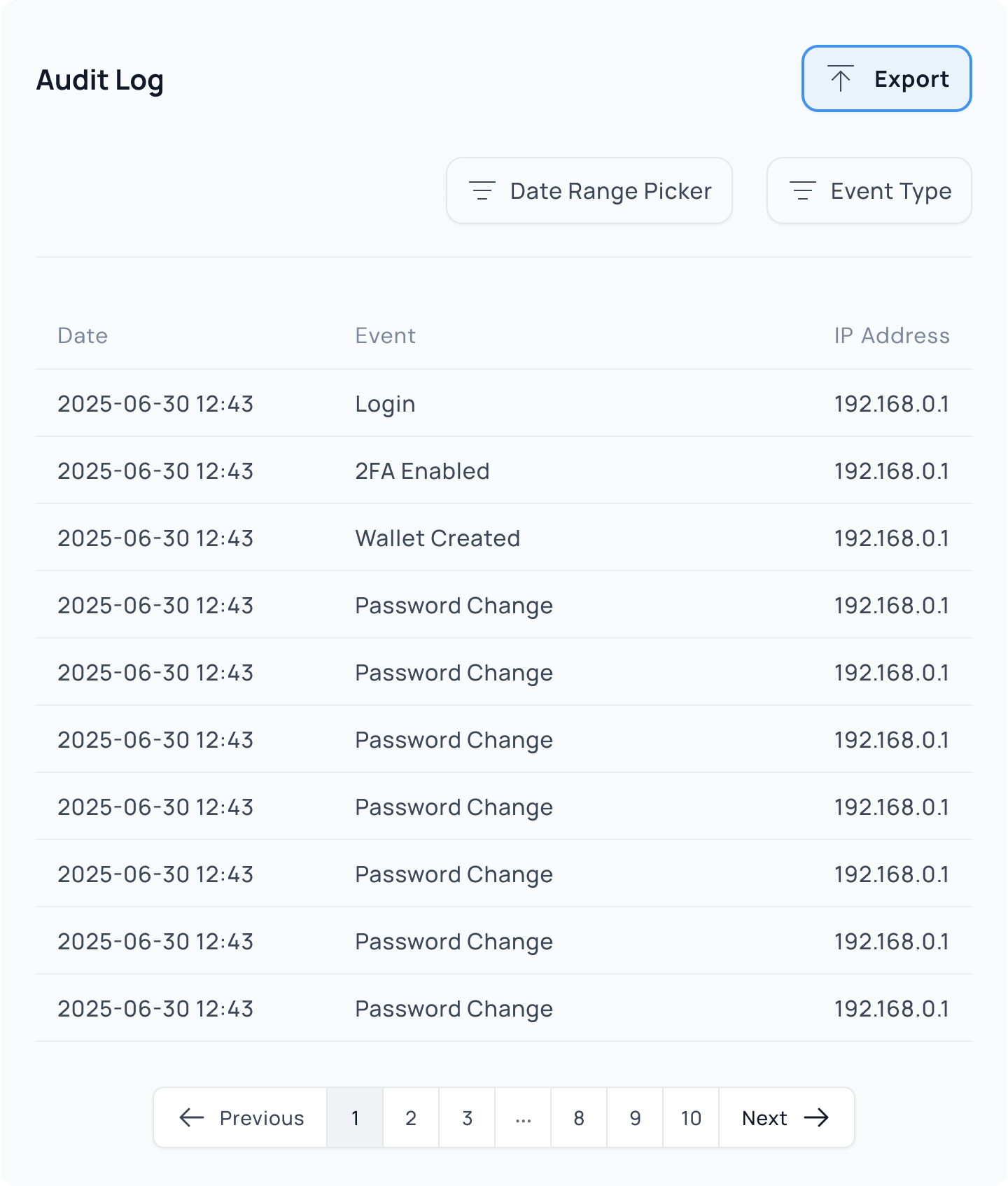
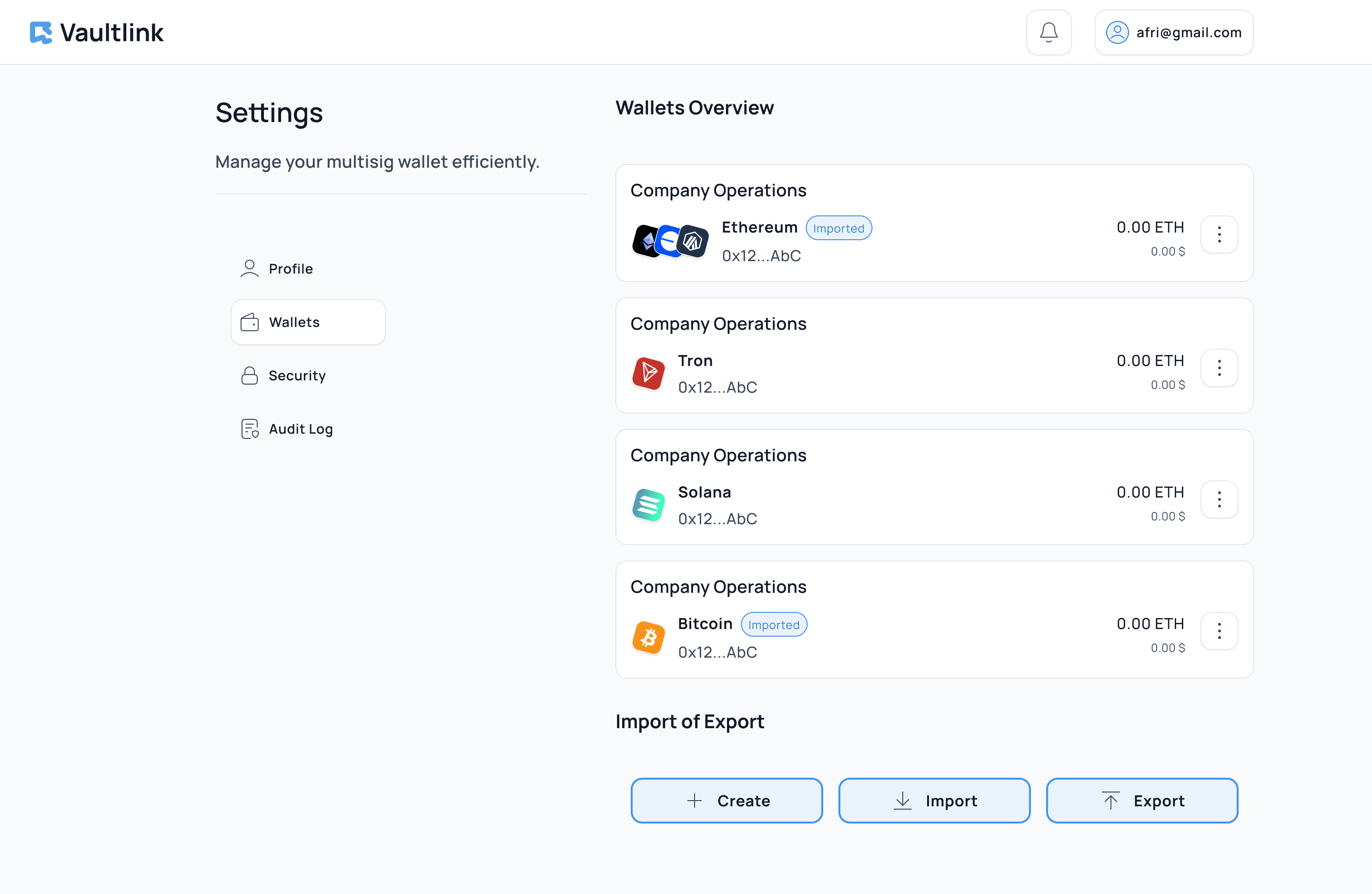
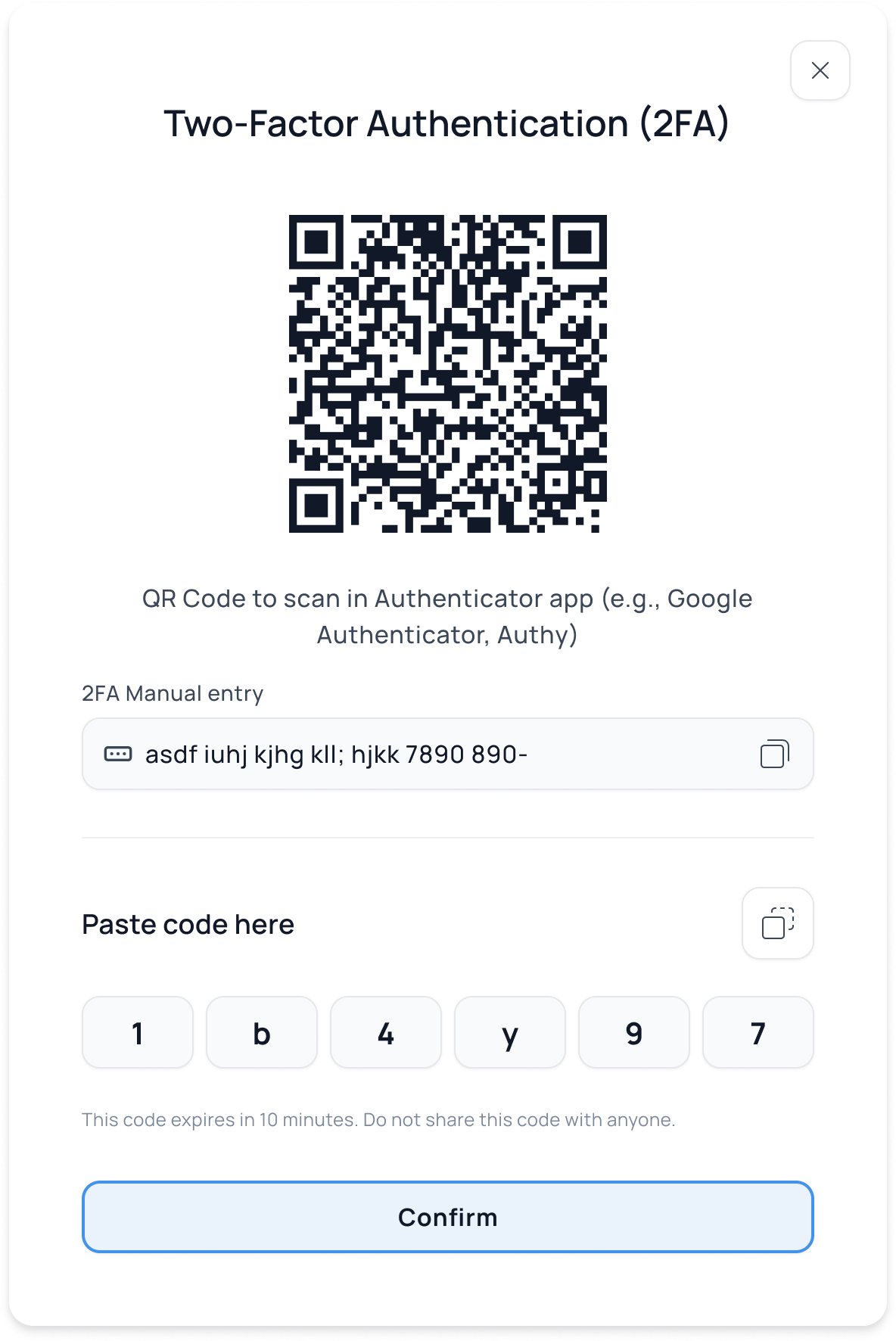
The Settings section provides users with streamlined access to essential account and wallet management actions. Designed for clarity and efficiency, it includes a quick overview of key features such as: 2FA, Wallet Management.
Home screen: Introductory Banner, Getting Started Steps, Feature Overview Cards
Authorization
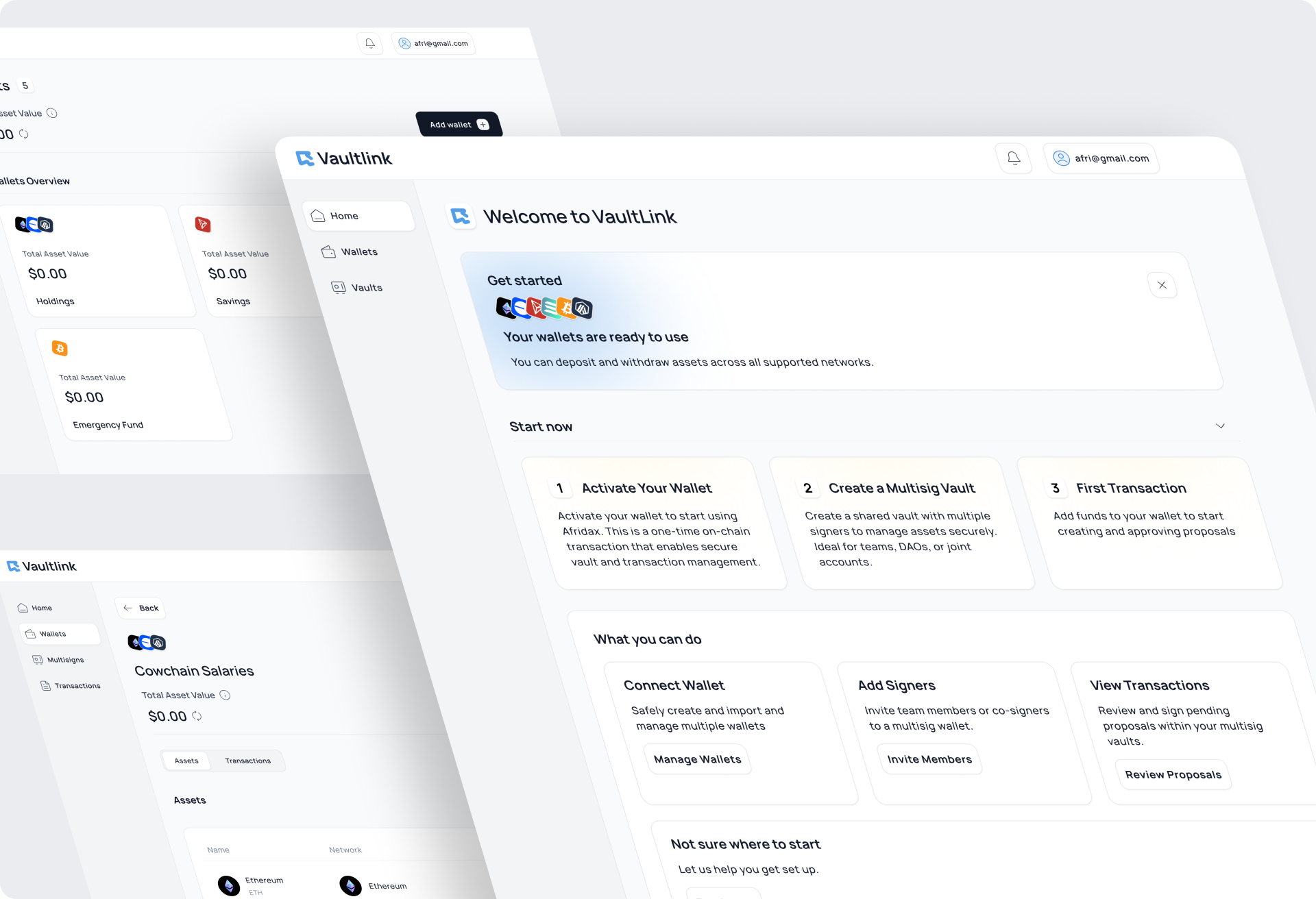
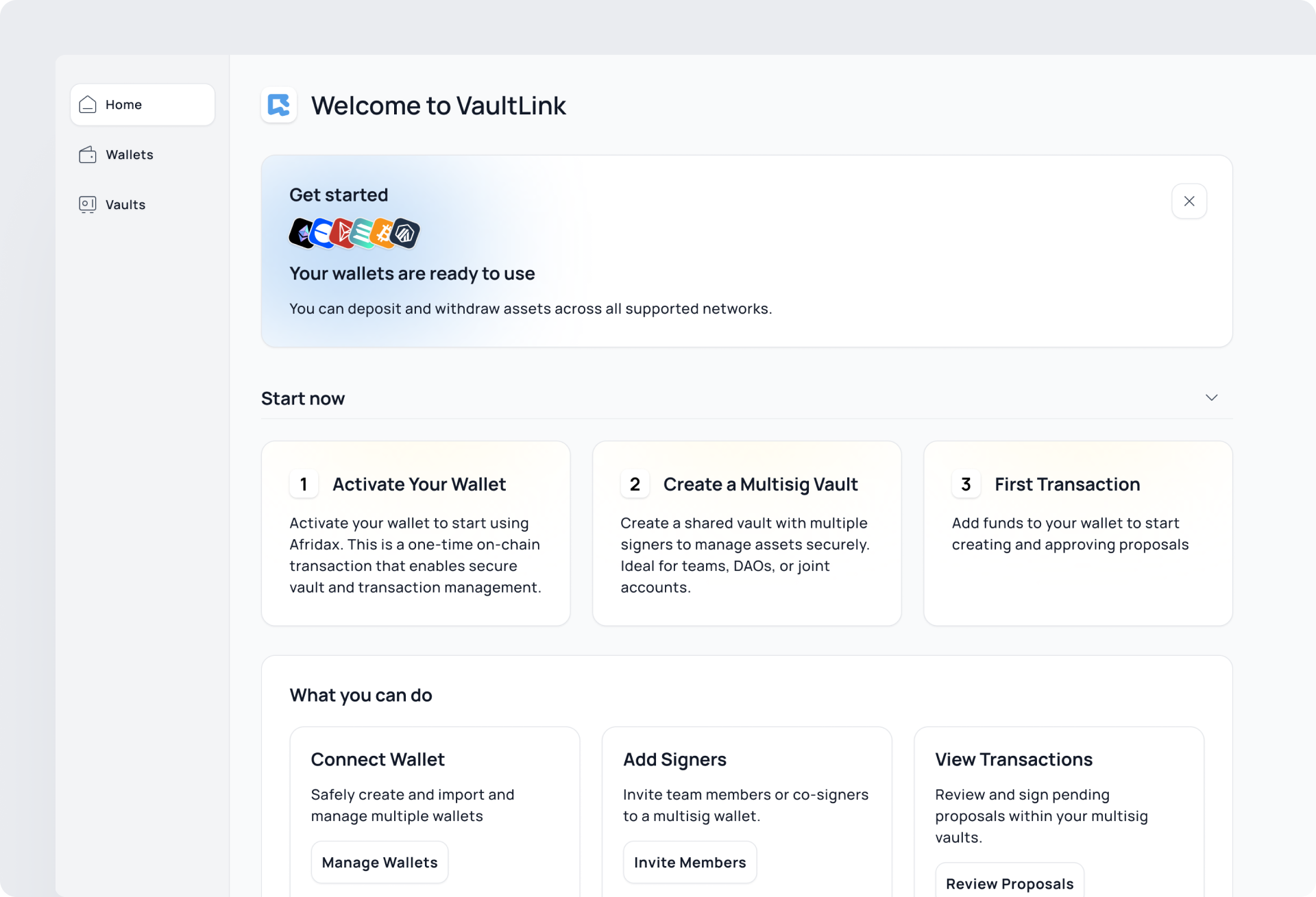
I designed the home screen with three layers:
1. Introductory Banner: Displays initial information for users.
2. Getting Started Steps: A checklist to help users set up their wallet, join or create a treasury, and learn key actions like signing transactions.
3. Feature Overview Cards: Each card links to detailed explanations or actions, promoting progressive learning based on user interest.
Home screen: Introductory Banner, Getting Started Steps, Feature Overview Cards
Quick overview treasury page
User can navigate between assets and transactions on this page. Also Send and Receive crypto.
Outcome
Designed pages: Dashboard, Radio station, Analytics, Artist and playlist page, profile with settings and authorisation with onboarding.
Multisig Wallet and Treasury
Dashboard for Web2 Teams
Challenge
Design a secure crypto wallet and multisig treasury system that feels intuitive for Web2 users and small teams with no prior blockchain experience. The interface needed to abstract away technical complexity while maintaining transparency, trust, and control over funds and transactions.
Approach
The UI was built using modular components that supported both personal wallets and shared multisig treasuries, with clearly defined roles and actions. I applied progressive disclosure principles and embedded contextual tips to help guide non-technical users through blockchain-specific actions without overwhelming them. Throughout the process, I worked closely with developers to ensure the UI accurately reflected the logic and state of underlying smart contracts, especially during multi-party signing and approval flows.
Outcome
The final product was a responsive web platform that enabled individuals and teams to securely manage wallets and shared treasuries with ease.
I designed the Dashboard, table that consist such information as musician artist name, song title, location, city and genre. Main action follow the artist.
Home screen: Introductory Banner, Getting Started Steps, Feature Overview Cards
Treasuries Page
The Treasuries page is designed to help users easily manage and access all their shared multisignature wallets.
Home screen: Introductory Banner, Getting Started Steps, Feature Overview Cards
Treasuries Card
To reduce complexity and support multi-chain logic, all treasuries are grouped by blockchain network and clearly labeled by their status (e.g., active, pending setup, awaiting signatures).
Home screen: Introductory Banner, Getting Started Steps, Feature Overview Cards
Settings
The Settings section provides users with streamlined access to essential account and wallet management actions. Designed for clarity and efficiency, it includes a quick overview of key features such as: 2FA, Wallet Management.
Home screen: Introductory Banner, Getting Started Steps, Feature Overview Cards
Authorization
I designed the home screen with three layers:
1. Introductory Banner: Displays initial information for users.
2. Getting Started Steps: A checklist to help users set up their wallet, join or create a treasury, and learn key actions like signing transactions.
3. Feature Overview Cards: Each card links to detailed explanations or actions, promoting progressive learning based on user interest.
Home screen: Introductory Banner, Getting Started Steps, Feature Overview Cards
Quick overview treasury page
User can navigate between assets and transactions on this page. Also Send and Receive crypto.
Outcome
Designed pages: Dashboard, Radio station, Analytics, Artist and playlist page, profile with settings and authorisation with onboarding.
Multisig Wallet and Treasury
Dashboard for Web2 Teams
Challenge
Design a secure crypto wallet and multisig treasury system that feels intuitive for Web2 users and small teams with no prior blockchain experience. The interface needed to abstract away technical complexity while maintaining transparency, trust, and control over funds and transactions.
Approach
The UI was built using modular components that supported both personal wallets and shared multisig treasuries, with clearly defined roles and actions. I applied progressive disclosure principles and embedded contextual tips to help guide non-technical users through blockchain-specific actions without overwhelming them. Throughout the process, I worked closely with developers to ensure the UI accurately reflected the logic and state of underlying smart contracts, especially during multi-party signing and approval flows.
Outcome
The final product was a responsive web platform that enabled individuals and teams to securely manage wallets and shared treasuries with ease.
I designed the Dashboard, table that consist such information as musician artist name, song title, location, city and genre. Main action follow the artist.
Home screen: Introductory Banner, Getting Started Steps, Feature Overview Cards
Home Screen
I designed the home screen with three layers:
1. Introductory Banner: Displays initial information for users.
2. Getting Started Steps: A checklist to help users set up their wallet, join or create a treasury, and learn key actions like signing transactions.
3. Feature Overview Cards: Each card links to detailed explanations or actions, promoting progressive learning based on user interest.
Home screen: Introductory Banner, Getting Started Steps, Feature Overview Cards
Treasuries Page
The Treasuries page is designed to help users easily manage and access all their shared multisignature wallets.
Home screen: Introductory Banner, Getting Started Steps, Feature Overview Cards
Treasuries Card
To reduce complexity and support multi-chain logic, all treasuries are grouped by blockchain network and clearly labeled by their status (e.g., active, pending setup, awaiting signatures).
Home screen: Introductory Banner, Getting Started Steps, Feature Overview Cards
Quick overview treasury page
User can navigate between assets and transactions on this page. Also Send and Receive crypto.
Home screen: Introductory Banner, Getting Started Steps, Feature Overview Cards
Settings
The Settings section provides users with streamlined access to essential account and wallet management actions. Designed for clarity and efficiency, it includes a quick overview of key features such as: 2FA, Wallet Management.
Outcome
Fully responsive web platform with Handoff, UI kit,